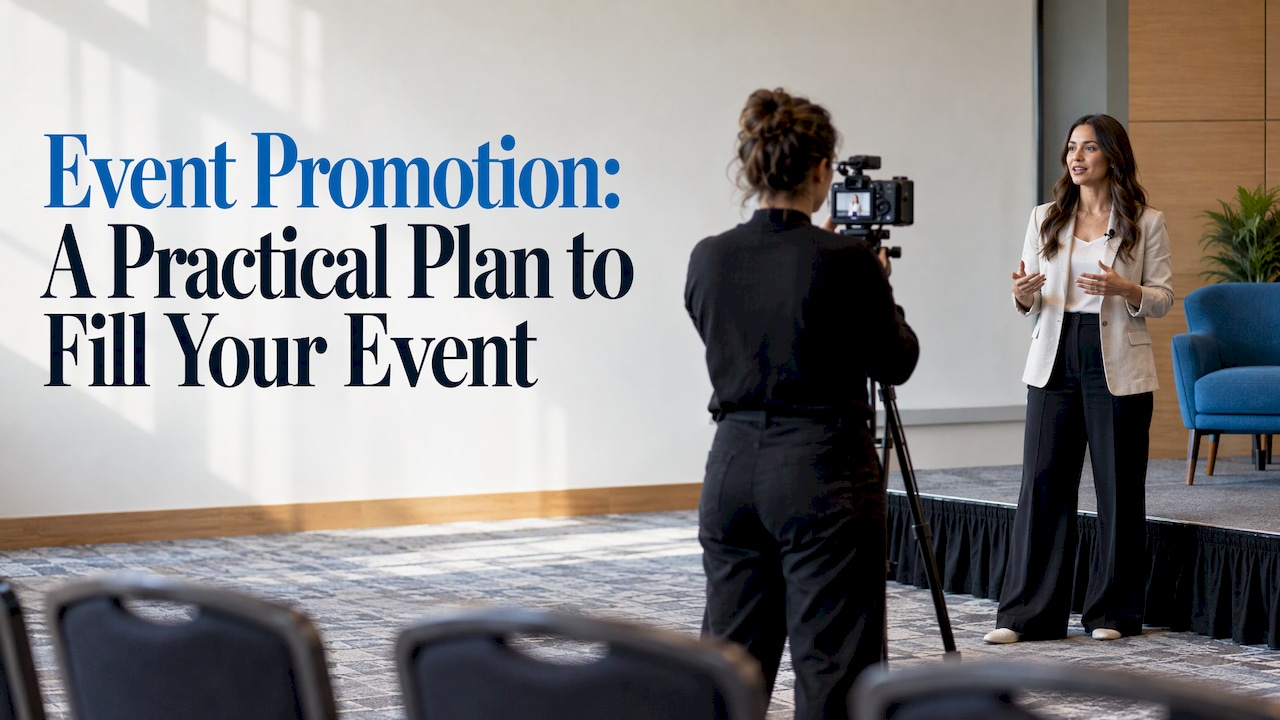
Event promotion is the organized effort to make the right people aware of an event and move them to register, attend or take another action. The plan that works for most organizers has five parts: a clear goal, a defined audience, a few well-chosen channels, a timeline that starts early and a registration page that makes saying yes easy.
This guide walks through each part for busy planners, from corporate meetings and association conferences to trade shows and career fairs.
TL;DR
- Start with a measurable goal. Attendance, applications, donations or media coverage each call for a different promotion plan.
- Build the event website and registration path first. Every channel should send people to one page that holds the agenda, speakers, location and a simple way to register.
- Combine email, social media, paid ads and partner outreach. Several touches across channels reinforce each other.
- For many ticketed events, begin public promotion about 12 weeks out. Conferences and festivals often need four to six months.
- Track registrations as they come in, then compare them with your goal every week so you can change course early.
Table of Contents
- What event promotion means
- Step 1: Set the goal, the audience and the message
- Step 2: Build the event website and registration path first
- Step 3: Choose channels that fit the audience
- Step 4: Work backward from event day
- Step 5: Promote on a limited budget
- Promotion for trade shows: exhibitors are an audience too
- Promotion for career fairs: candidates and booth traffic
- Keep people engaged between registration and event day
- Measure what works while there is still time to change it
- Our perspective
- Build registration and promotion in one place
- FAQ
- Sources
What event promotion means
Promotion covers everything that happens between deciding to hold an event and the day people walk in. It includes the announcement, the messaging, the website, the emails, the social posts, the paid campaigns, the partner mentions and the reminders that follow.
The University of South Carolina’s communications office makes a point worth repeating: the event’s purpose and attendance goal determine how widely and through which channels it should be promoted. Goals can include awareness, attendance, applications, fundraising or media coverage. A 60-person training session for existing members needs a very different plan than a 2,000-person annual conference open to the public.
Promotion is also not the same as event marketing in the broad sense. Event marketing can cover using events as a marketing channel. Promotion is narrower: getting your own audience to show up.
Step 1: Set the goal, the audience and the message
Write the goal as a number. “Increase awareness” is hard to check. “600 paid registrations by the early-bird deadline” is not.
Adobe’s community event guide advises setting measurable outcomes such as attendance, reach, donations or desired actions, then defining the audience by age, location, interests and motivation. Those motivations should shape the message.
A simple worksheet helps:
| Question | Example answer |
|---|---|
| What action do we want? | Register for the two-day member conference |
| How many? | 600 paid registrations |
| Who are they? | Association members and prospects within a day’s drive |
| Why would they come? | Continuing education credits, networking, new product launches |
| What stops them? | Travel cost, time away from work, unclear agenda |
The same guide suggests writing a short title and summary that states both personal and community benefits. That summary becomes the foundation for every email subject line, social post and ad.
Write the message around one benefit per audience
A single event often has several audiences. Attendees want learning and connections. Exhibitors want qualified conversations. Sponsors want visibility. Speakers want a good room. Give each group its own short pitch, then point all of them to the same event site.
Step 2: Build the event website and registration path first
Every channel you add sends people to the same place. If that page is confusing, slow or missing key details, promotion money is wasted.
TechTarget’s event marketing plan lists social media, email, paid advertising and an event website as the core channels, and says the website should centralize the agenda, speakers, location and registration information.
A strong event page typically includes:
- A one-sentence description of who the event is for and what they get
- Date, location and, for multi-day events, hotel information
- The agenda, with sessions and workshops clearly listed
- Speaker names and short bios
- Pricing tiers and deadlines
- A visible register button
rsvpBOOK lets organizers build a branded online registration website with custom questions, registrant types, discounts and sessions. Event registration forms can be adapted so each audience sees only the questions that apply to it. Fewer, clearer questions usually mean fewer abandoned forms.
Remove friction at the finish line
Promotion ends at registration, so the last steps matter. Check these before launch:
- Can someone register on a phone in a few minutes?
- Are the payment options clear? Event payment management should be set up before the first email goes out.
- Can a manager register a team? Group registration support covers group and table registration, which suits corporate buyers and galas.
- Is there a place for out-of-town guests to book rooms? Room block management keeps hotel booking attached to the registration record.
Step 3: Choose channels that fit the audience
No single channel does the job alone. HubSpot recommends a multi-touch campaign across email, social media, direct mail, phone calls, print ads and paid ads. The right mix depends on where your audience already pays attention.
Email reaches people who already know you. In a source HubSpot cites, 39% of marketers found email marketing tools to be the greatest contributor to event success. That makes it the first channel to build.
A workable email sequence:
- Save-the-date: date, location and one reason to care
- Registration open: the full pitch, with the agenda and a direct link
- Speaker or session spotlight: one or two messages that highlight content
- Deadline reminder: early-bird or room block cutoff
- Final-week logistics and last call
Segment where you can. Past attendees, members, prospects and sponsors should not get identical messages.
Social media
TechTarget notes social media supports engagement, shares and hashtags. Use it to show the event, not just announce it: speaker clips, past event photos, agenda highlights and countdowns. Ask speakers, sponsors and exhibitors to share their own posts with your link.
Paid ads
Paid ads can target specific demographics, according to TechTarget. They work best for retargeting people who visited the event site but did not register, and for reaching lookalike audiences once you have registrants.
Partner and sponsor outreach
Speakers, sponsors, exhibitors, associations and community groups all have audiences you do not. Give them ready-made copy, images and a tracked link so sharing takes them two minutes.
Information packet
The University of South Carolina suggests compiling an event information packet with photos, speaker bios, descriptions, location, cost and contact details that can be shared electronically. Partners are far more likely to promote you when everything they need is in one folder.
Step 4: Work backward from event day
Timing is where many plans fail. Promotion that starts too late leaves no room to adjust.
TickPick’s timeline suggests that for many ticketed events the public campaign begins roughly 12 weeks out. It also says conferences and festivals often need four to six months, while a defined local event may work with six weeks.
That 12-week outline looks like this:
| Phase | Timing | Focus |
|---|---|---|
| Pre-launch | 12+ weeks out | Build the website, set up registration, tease the date |
| On-sale | 12 to 9 weeks | Announce, open registration, early-bird offer |
| Middle campaign | 8 to 5 weeks | Content, speaker spotlights, retargeting |
| Urgency | 4 to 2 weeks | Deadlines, limited seats, reminders |
| Final push | Last week | Last call, logistics, mobile-friendly details |
TickPick’s advice is to announce when people can actually buy or register, so the first message has a clear action attached (source). Treat the numbers as a starting frame. A closed professional training with a known list needs fewer weeks. A large annual conference with travel involved needs more.
Step 5: Promote on a limited budget
Small budgets call for focus, not for doing less everywhere. ClickUp suggests concentrating on high-return channels, repurposing content and using partner or sponsor co-promotion. It also recommends giving early registrants exclusive benefits to encourage commitment.
Practical ways to apply that:
- Turn one speaker interview into an email, three social posts and a website blurb.
- Offer an early-bird rate or a priority workshop seat for the first registrants.
- Ask sponsors to email their customer lists in exchange for visibility.
- Use group registration pricing to bring in teams rather than one person at a time.
- Send SMS reminders to registrants who have opted in, so more of them actually arrive.
Nonprofits often work with the tightest budgets. rsvpBOOK offers discounted rates for nonprofits and government organizations, and its pricing is per registration, so cost follows the size of the event.
Promotion for trade shows: exhibitors are an audience too
A trade show has two groups to convince: attendees and exhibitors. Each needs a reason to invest time.
For attendees, the draw is the show floor, the education and the chance to meet suppliers. For exhibitors, the draw is qualified conversations. Organizers who can show how booth visits turn into leads have a stronger pitch for selling space and for retaining exhibitors next year.
Two rsvpBOOK tools support that pitch:
- Lead retrieval: exhibitors and organizers can capture leads from booth visits, so conversations become usable data.
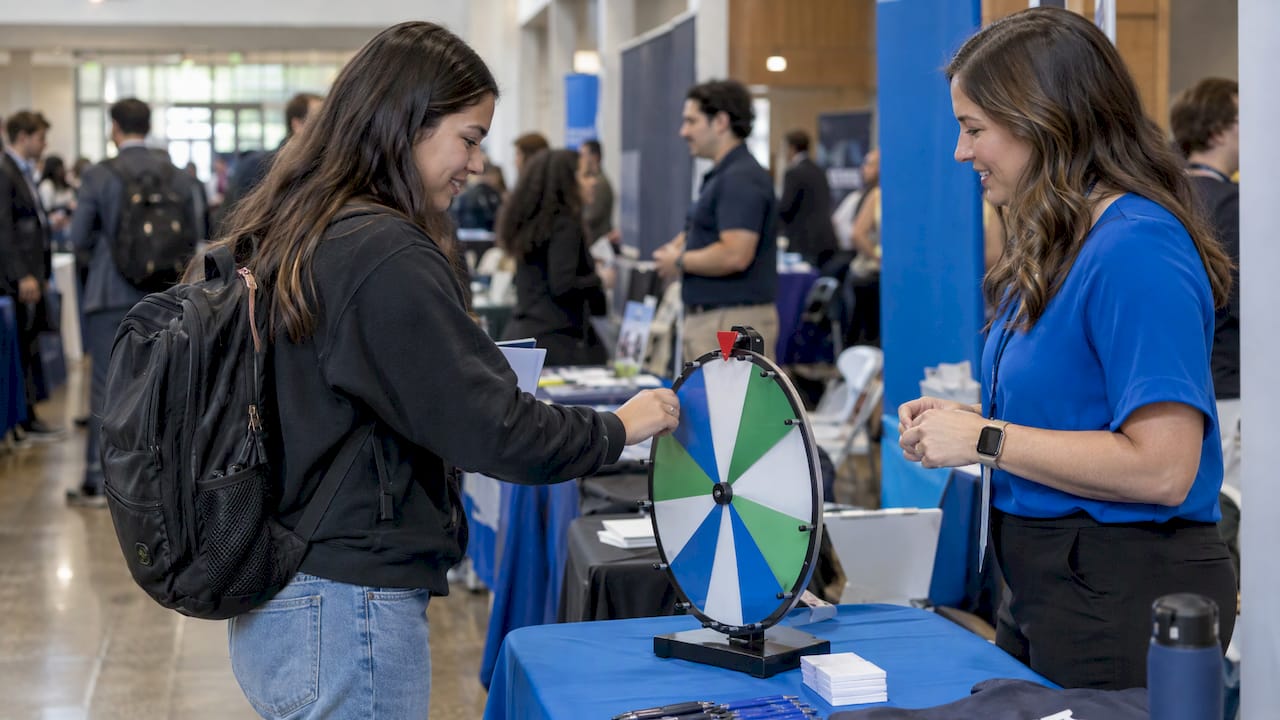
- Booth giveaways: an Instant Prize Wheel or a live Winner Drawing gives attendees a reason to stop at a booth, and gives exhibitors a natural moment to ask for contact details. Standalone booth giveaway tools start at $99 per event.
Interactive booth maps with booth sales also help organizers sell space online and give attendees a way to plan their route before they arrive. Details on those and other modules are on the features page.
Promote these as part of the show. A line like “Visit 10 booths, spin the wheel” gives attendees a concrete reason to engage with exhibitors, and exhibitors a concrete reason to buy a booth.
Promotion for career fairs: candidates and booth traffic
Career fairs have a specific measure of success: how many candidates reach recruiters, and how many recruiters leave with usable candidate information.
On the candidate side, promote through campus departments, student groups and email lists, and make registration quick so students can sign up from a phone. On the employer side, show recruiters what they will get: booth traffic and a way to capture candidate details.
rsvpBOOK’s booth giveaway tools are also used by recruiting teams at career fairs. A prize wheel or drawing at a recruiter’s table draws students in, and the conversation that follows is the real goal. Pair it with a registration list so recruiters know who attended.
Keep people engaged between registration and event day
Registering is not the same as showing up. The gap between the two is where interest fades.
Use that time to:
- Send agenda updates and speaker announcements
- Invite registrants to pick sessions or workshops
- Send SMS reminders close to the date
- Share logistics: parking, check-in, what to bring
- Use automatic alerts so the team knows about registration changes without checking by hand
Gamification also works as a promotion tool. Scavenger hunts, trivia and leaderboards can be announced before the event, so attendees arrive expecting something to do. A mobile attendee app with personalized agendas and messaging keeps the conversation going once the event starts.
At the door, QR check-in runs free on any smartphone, and onsite check-in and attendance tracking keeps counts accurate. Badge printing and check-in kiosk hardware are available as optional add-on rentals.
Measure what works while there is still time to change it
Measurement is not only for the post-event report. Watch registrations weekly against your goal, and note which channel each registrant came from.
KVCC’s Event Planning Guidebook recommends measuring quantitative results through registration numbers and online engagement, and qualitative results through attendee surveys about satisfaction and what to improve.
A short dashboard might track:
- Registrations per week versus plan
- Registrations by source (email, social, partner, paid)
- Conversion from event site visit to registration
- Open and click rates for each email
- Survey scores after the event
For B2B events tied to revenue, KeynoteData suggests tracking qualified meetings, pipeline created, pipeline influenced, cost per qualified meeting and closed revenue, with reporting running from event day through 12 months afterward. That fits trade shows and sponsored conferences where sales teams follow up on leads.
rsvpBOOK’s custom reports bring registration, payments, sessions and onsite data from one record, so organizers are not stitching exports together from separate tools.
Our perspective
Most promotion problems we see are really registration problems. A good campaign sends people to a page, and if that page cannot handle the way the event actually works, the campaign stalls.
Real events are not simple. There are member and non-member rates, group and table purchases, workshops with limited seats, CE credits, hotel blocks and exhibitors who need their own path. We built rsvpBOOK so those pieces live in one record, from the registration site to payments, sessions, onsite check-in, exhibitor tools and reporting. When everything connects, the numbers you use to promote are the same numbers you use to run the event.
We have supported event organizers since 2004, and we know that some teams want to build everything themselves while others want a hand. Our setup is flexible both ways, and we offer hands-on implementation support when an event needs it. For teams that find enterprise event platforms more than they need, rsvpBOOK offers flexible configuration for complex events without that complexity.
Our advice: build the registration path first, promote early, and give people something to look forward to between sign-up and event day.
Droshawn
Build registration and promotion in one place
rsvpBOOK is event management and registration software that connects registration, payments, sessions, onsite operations, exhibitor programs, engagement and reporting. Pricing is per registration, with discounted rates for nonprofits and government organizations. An AI-assisted builder can turn an event design document into a working setup quickly, and hands-on implementation support is available.
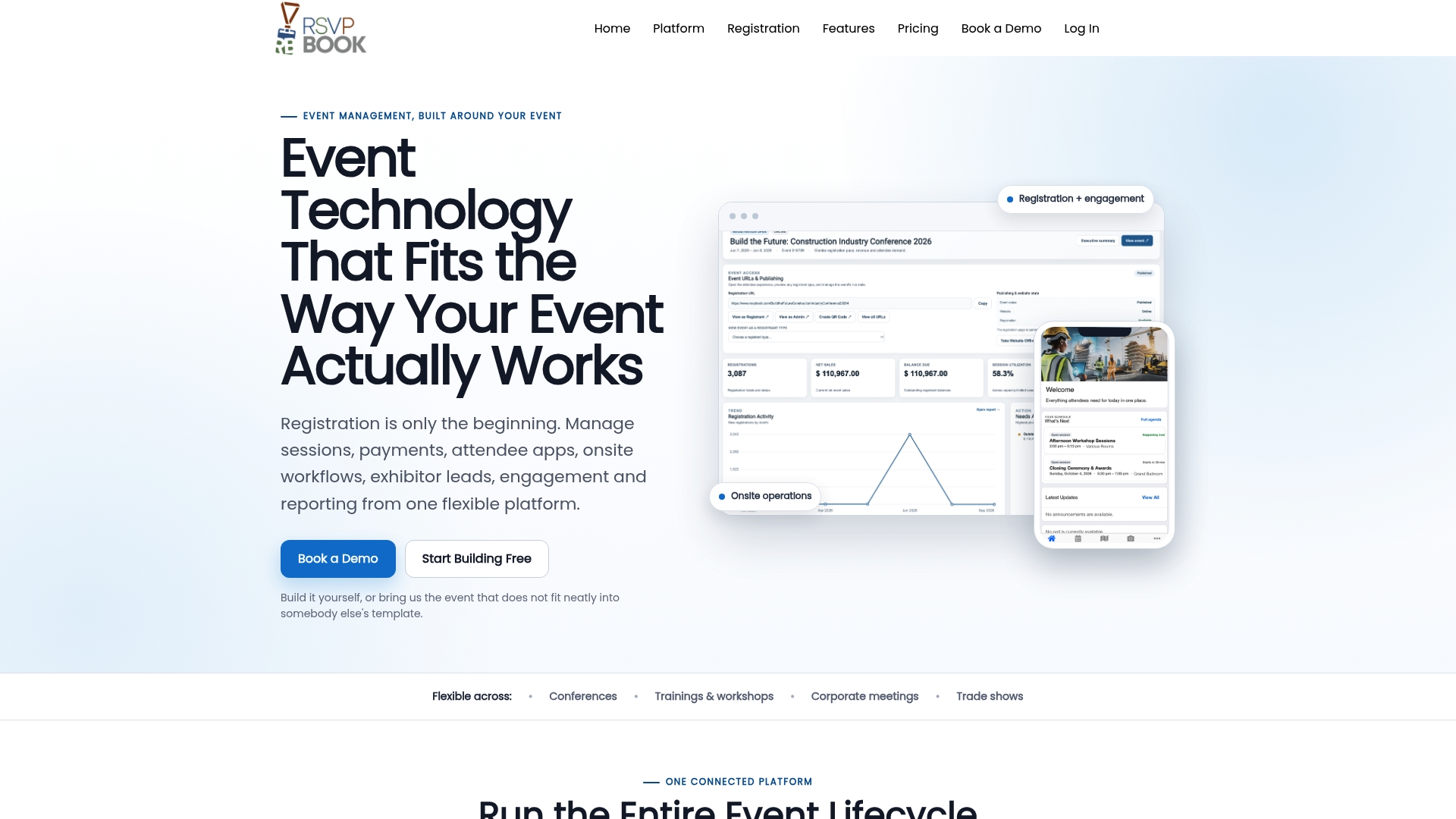
Organizers planning a conference, trade show or career fair can start with event registration software or explore the full event management software. Booth giveaway tools, gamification and SMS messaging are listed on the pricing page.
FAQ
How far in advance should event promotion start?
For many ticketed events, a public campaign of about 12 weeks works well, according to TickPick. Conferences and festivals often need four to six months, and a defined local event may need only six weeks. Build the event website and registration before the first announcement.
Which channel works best for promoting an event?
Email is a strong starting point. HubSpot cites a finding that 39% of marketers rated email tools as the biggest contributor to event success. Social media, paid ads and partner outreach add reach, and combining channels reinforces the message.
How can a small team promote an event on a tight budget?
Focus on a few high-return channels, repurpose content and ask partners and sponsors to co-promote, as ClickUp suggests. Reward early registrants with an exclusive benefit. Nonprofits can also look at rsvpBOOK’s discounted nonprofit rates.
How do I know if my promotion is working?
Track registrations against your goal each week and note the source of each one. After the event, survey attendees, as the KVCC guidebook recommends. For B2B events, add qualified meetings and pipeline.
How can I promote a booth at a trade show or career fair?
Give visitors a reason to stop. An Instant Prize Wheel or live Winner Drawing from rsvpBOOK’s booth giveaway tools works for both, and exhibitors can pair it with lead retrieval. For career fairs, recruiters focus on capturing candidates and building booth traffic.
Ready to see it in action? Book a demo or start building an event free at rsvpBOOK.
Sources
- Event Promotion, University of South Carolina Marketing and Communications
- A comprehensive guide to community event marketing, Adobe
- Free event marketing plan, with a template, TechTarget
- Event Marketing: How to Build Your Strategy, HubSpot
- Event Marketing Timeline, TickPick
- How to Successfully Promote an Event Online and Offline, ClickUp
- Event Planning Guidebook, KVCC
- Conference ROI Measurement Framework for B2B, KeynoteData
Recommended
- Claude AI Event Builder
- Gamification for your conference or event
- Event Management Software for Conferences & Events
- Event Housing & Room Block Management Software
Planning an event that doesn’t fit neatly into somebody else’s template? See how rsvpBOOK handles registration, onsite check-in, lead retrieval and engagement in one platform. Book a demo: https://www.rsvpbook.com/book-a-demo